Personal numbers become permanent
Customers keep calling a former employee after that person leaves.
Voice & phones
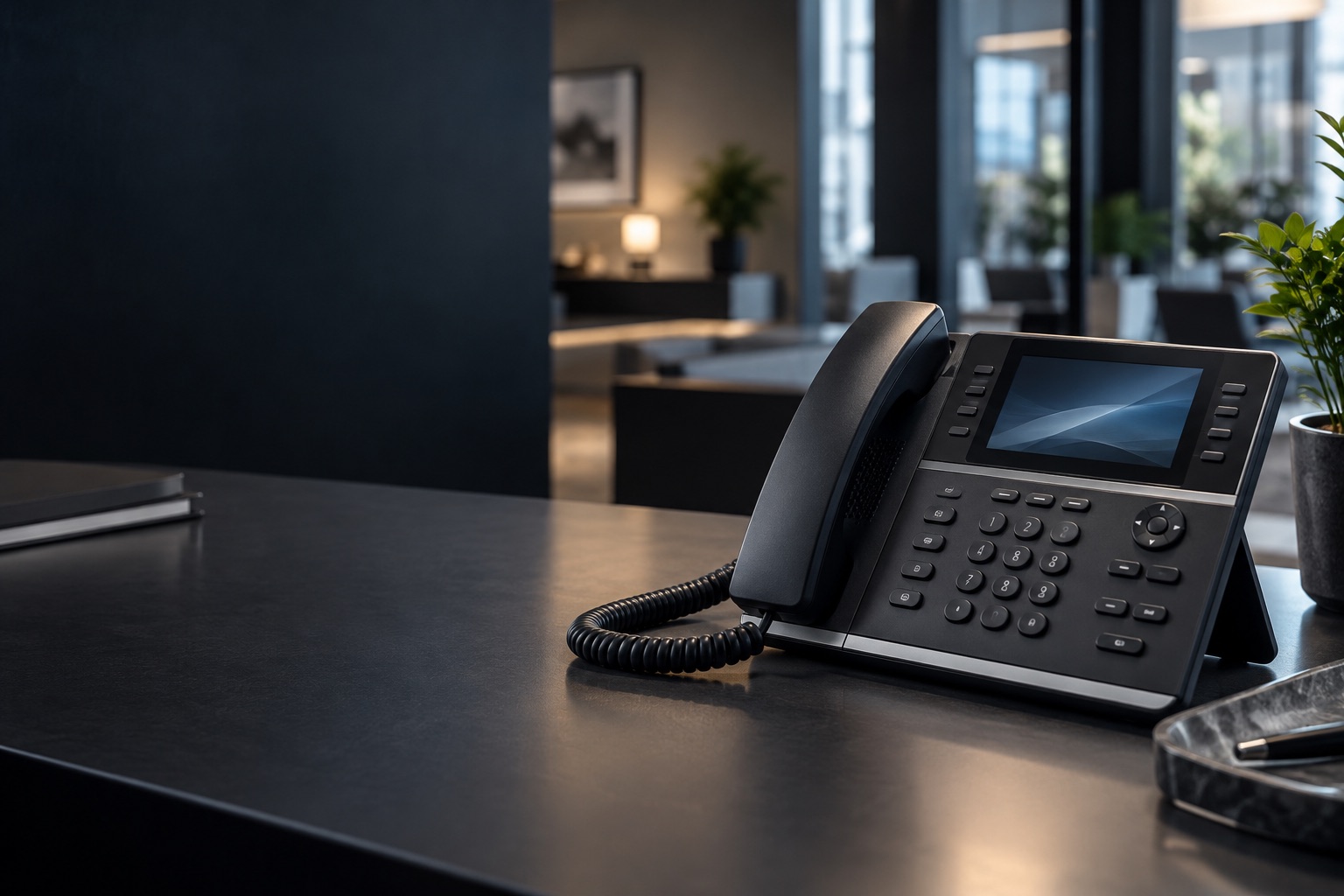
Your team can answer calls from the business number on an app, with desk phones at reception, host stands, nurse stations, and other shared positions where they help.
What goes wrong
Personal numbers, rigid legacy lines, and voice traffic without network priority make ordinary changes harder than they should be.
Customers keep calling a former employee after that person leaves.
Users, schedules, greetings, and routing remain locked behind an old provider.
Busy data traffic can create poor call quality when voice has no priority.
What we install
UniFi Talk fits straightforward business calling. Cisco Webex Calling or a separately scoped Telnyx and 3CX system can support more advanced queues, reporting, integrations, and multi-location routing.
Calling from the business identity on supported mobile and desktop apps.
Physical phones for shared stations, reception, and fixed positions—without wireless handsets.
Existing numbers moved after carrier eligibility and timing are confirmed.
Calling traffic gets its own network lane and appropriate priority.
How we scope it
We identify who answers calls, where a physical phone is useful, which numbers need to move, and how calls route during business hours and after hours.
Starting pricing
The configurator keeps phones, seats, porting, and managed voice visible as separate parts.
Advanced Cisco and 3CX systems are quoted from the approved call flow.
Common questions
Usually only at reception, shared counters, or other fixed stations. Many staff members can use a supported app.
Usually. Number availability and port timing are confirmed with the current carrier before cutover.
A handset is the physical desk phone. A seat is the calling subscription assigned to a user or line.
Plan the call flow
Start with seats and desk phones, or send us the advanced routing requirements.